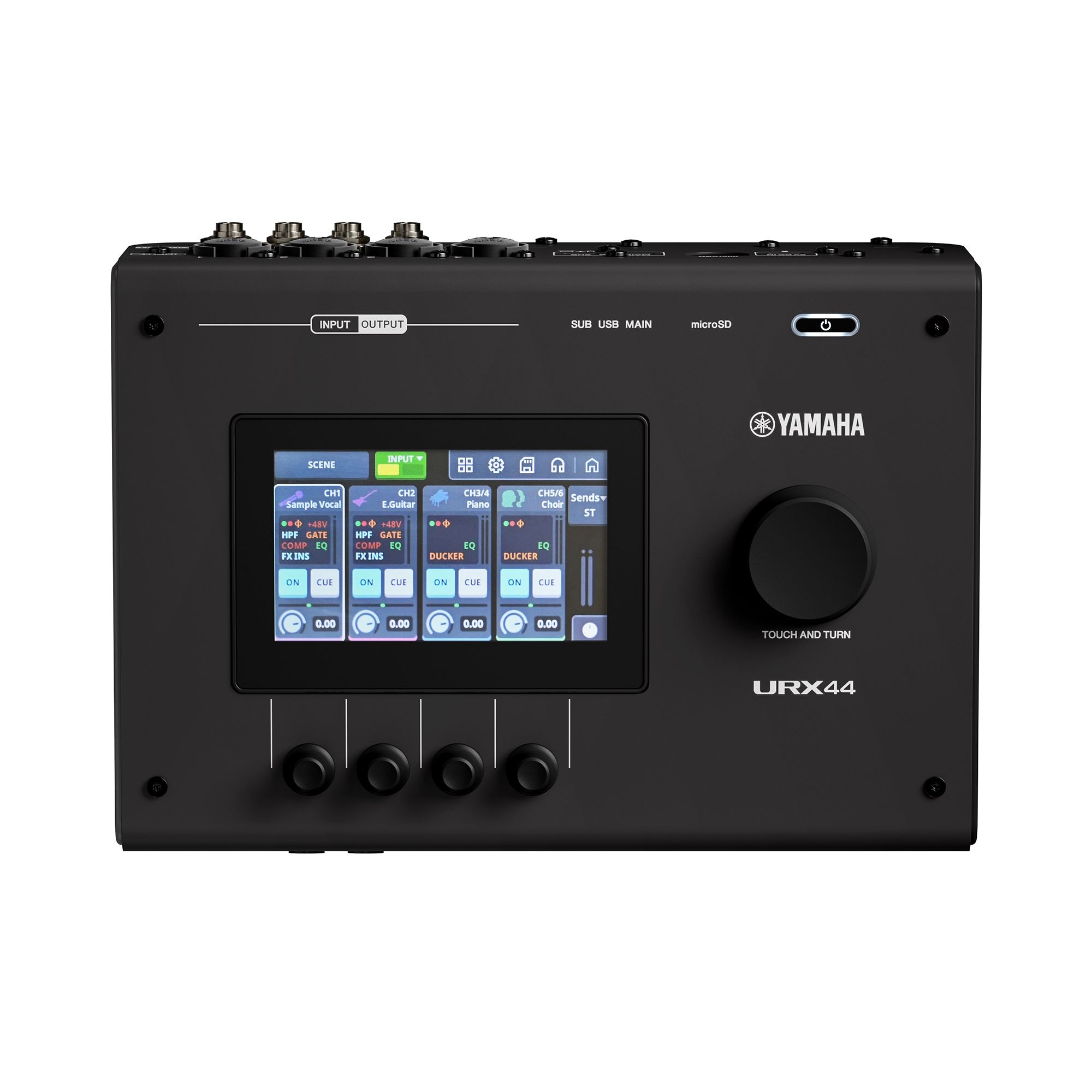
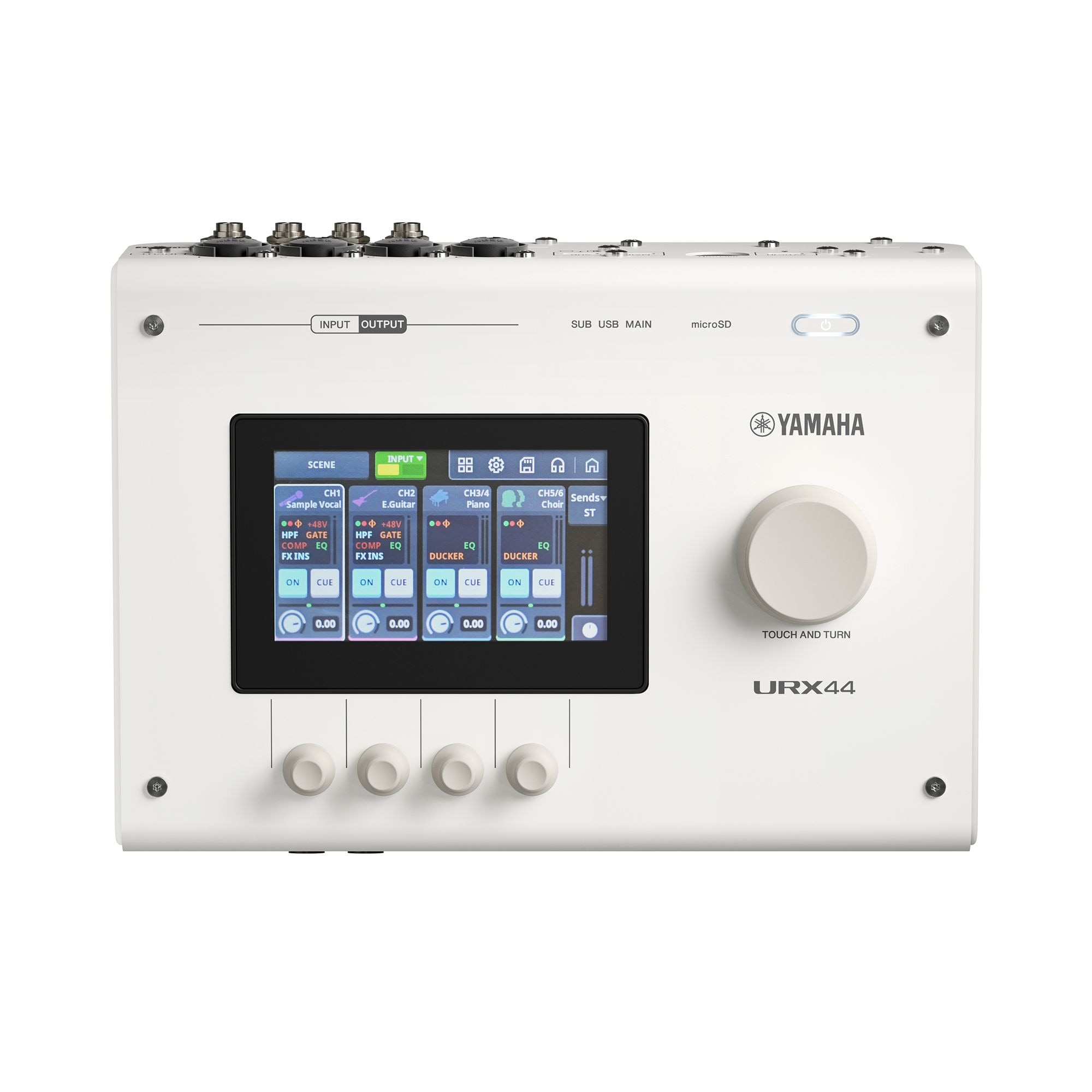
Try it: tap the screen to start the audio. Tap REV, DLY or GAIN on a lane to point that lane's knob at it, then drag the knob up or down (or scroll over it). Touch and hold REV or DLY to switch the effect on or off. The chain button links two lanes as a stereo pair. INPUTS / OUTPUTS / FX at the top left of the screen flips pages. The big knob sets the level of the output named at the top right of the screen; tap that name to step through HP 1, HP 2, STRM and MAIN. Everything you change is audible.
What changed
- Each of the four inputs gets its own lane, lined up over its knob, with the name, the source type and a live trace of the signal.
- Four buttons on each lane (REV, DLY, MUTE, GAIN) choose what that lane's knob does. The one with the white outline is the one the knob is on.
- A tap selects REV or DLY and a hold switches it on or off, so you can't knock an effect out by accident. Reverb is always purple, delay is always orange, and the button fills to show how much you're sending.
- The chain button between lanes 1-2 and 3-4 links them as a stereo pair. Either knob then moves both.
- The Outputs page uses the same lanes and knobs for HP 1, HP 2, Stream and Main.
- Stream and Main have an AUTO button. It brings the output up to a loud, steady level and holds it just under clipping, whatever the inputs are doing. The green line shows how hard it's working.
- Reverb and delay share one FX page: reverb on the left two knobs, delay on the right two, with delay time locked to tempo.
- Advanced keeps the same layout. Each lane shows Gate, Comp and EQ as blocks. Tap one to switch it on or off, hold it to open its settings. On the EQ you can drag the points.
- Gain is set by watching the meter. The number only shows while you're turning the knob. Meters run the full height of the lane, with peak hold and a clip light that stays on until you tap it.
Unofficial design concept drawn over Yamaha's own product photos. Audio is three licensed loops at 73 BPM, processed live in the browser.