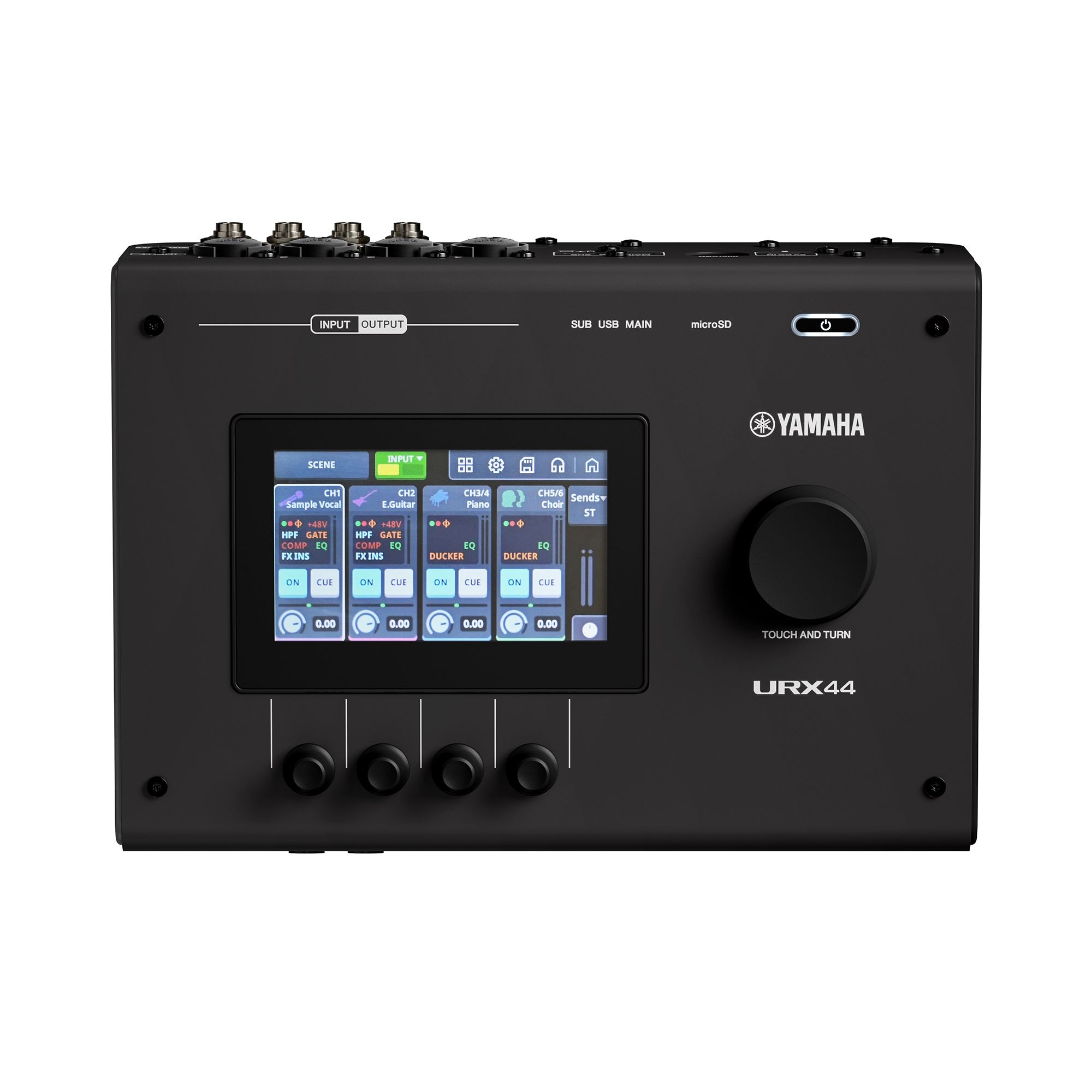
Try it: tap the screen to start the audio. Tap REV, DLY or GAIN on a lane to point that lane's knob at it, then drag the knob up or down (or scroll over it). Touch and hold REV or DLY to switch the effect on or off. The chain button links two lanes as a stereo pair. INPUTS / OUTPUTS / FX at the top left of the screen flips pages. The big knob is main volume. Everything you change is audible.
What changed
- One lane per input. Four inputs, four lanes, four knobs. Name, source type and a live trace of the signal.
- A four-button grid picks what the knob does. REV, DLY, MUTE, GAIN. The selected button has the white outline, so the screen always says what each knob is controlling.
- Hold to switch an effect. A tap only selects, so you can't knock an effect on or off by accident. Reverb is purple and delay is orange on every lane. Lit means on, and the button fills up to show the send amount.
- Link 1-2 or 3-4 with one tap. The chain button sits on the line between the two lanes. Linked lanes become a stereo pair and either knob moves both.
- Outputs use the same lanes and knobs. HP 1, HP 2, Stream and Main, each with level, mute and mono.
- Auto-Gain on Stream and Main. Switch on AUTO and the output is immediately loud and steady: it rides the level up, compresses, and limits just under clipping, whatever you do to the inputs. The small green line shows how hard it is working.
- One FX page for both effects. Reverb on the left two knobs, delay on the right two. Delay time is locked to tempo.
- Advanced, in the same language. Each lane shows its chain as three blocks: Gate, Compressor, EQ. Tap a block to open it, hold to switch it on or off. Inside, the four knobs sit under the four values they control, and on the EQ you can drag the points directly.
- Gain is read off the meter. No virtual knob and no number. Full-height meters with peak hold, and a clip light that stays lit until you tap it.
Unofficial design concept drawn over Yamaha's own product photos. Audio is three licensed loops at 73 BPM, processed live in the browser.